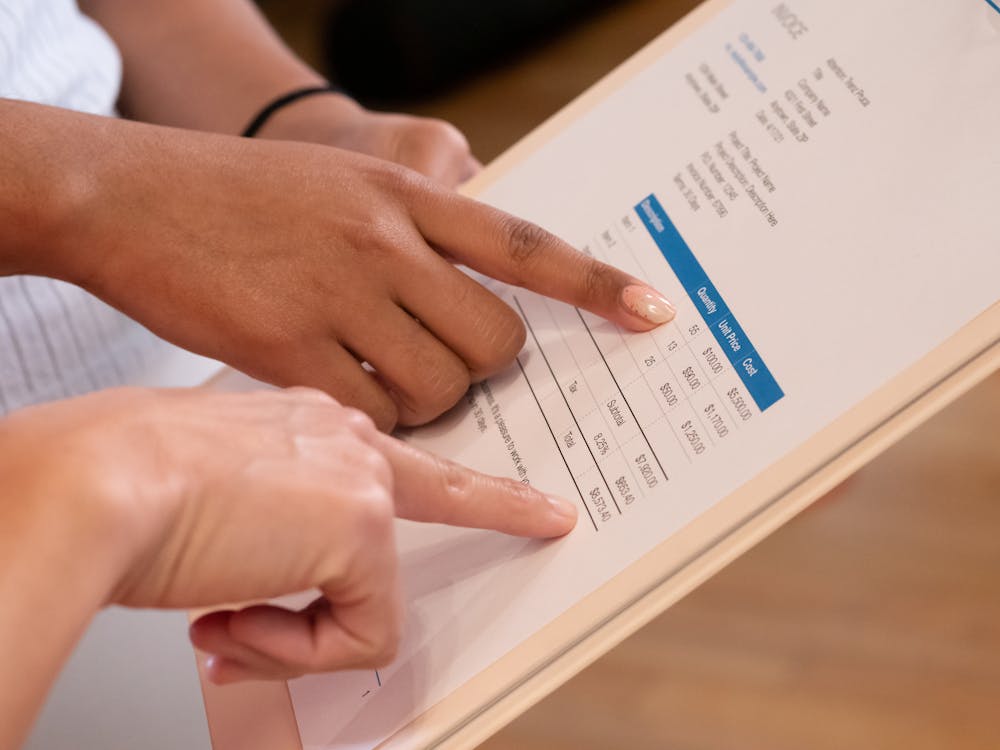
That Vendor Dispute Could Have Been Avoided: A Guide
Learn how automated document processing prevents costly vendor disputes. Discover how OCR and 3-way matching eliminate invoice errors before they escalate.
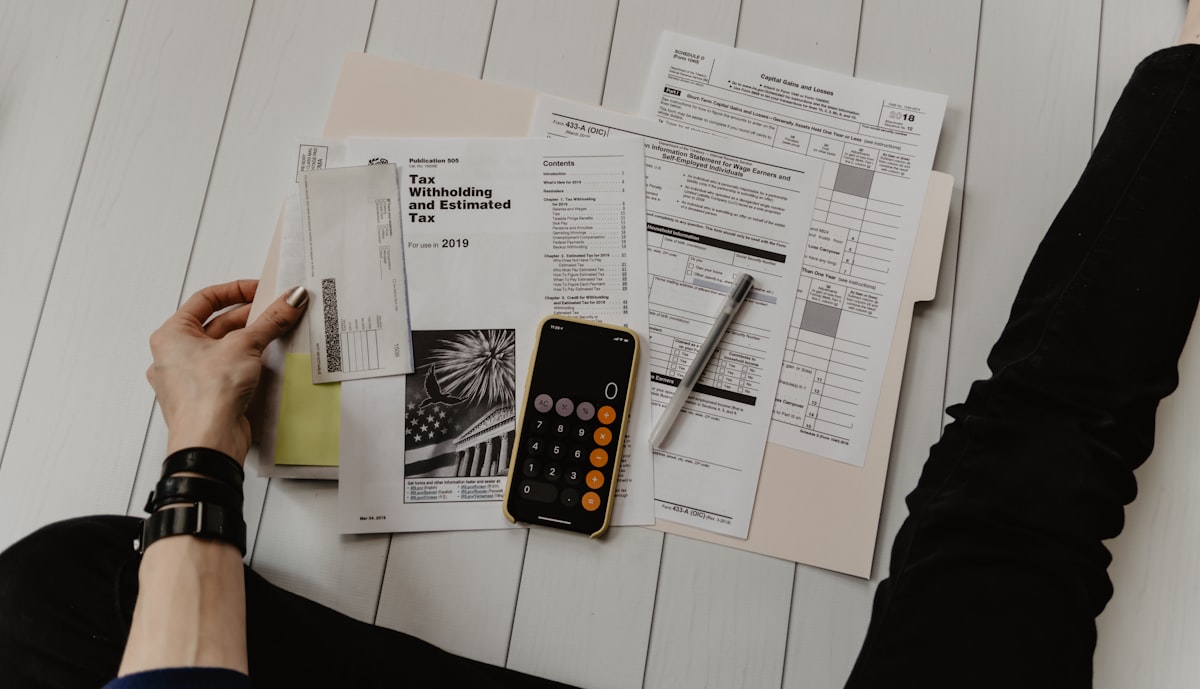
It starts with a phone call. Your vendor is frustrated. They claim they shipped 500 units, but you only paid for 450. Or maybe it's the other way around—you're certain you were overcharged by $2,000, but tracking down the original purchase order takes three hours of digging through filing cabinets and email threads.
Sound familiar?
Vendor disputes cost businesses an average of $50 per invoice to resolve, according to industry research. For companies processing thousands of invoices monthly, that adds up to hundreds of thousands in hidden costs—not to mention the damaged relationships and operational friction.
Here's the thing: 90% of vendor disputes stem from preventable document mismatches. A quantity discrepancy here. A wrong unit price there. A missing purchase order number that nobody caught until it was too late.
That dispute you're dealing with right now? It could have been avoided. Let's show you how.
The Anatomy of a Vendor Dispute
Before we fix the problem, let's understand it. Vendor disputes typically fall into five categories:
1. Quantity Discrepancies
The invoice says 100 units. The receiving report says 95. The purchase order authorized 100. Who's right? Without automated cross-referencing, you're playing detective.
2. Pricing Mismatches
The contract says $12.50 per unit. The invoice charges $13.00. Was there a price increase you missed? Is this an error? Hunting down the original contract terms becomes a time-consuming expedition.
3. Missing or Duplicate Invoices
Vendors claim non-payment for invoices you never received. Or worse—you accidentally pay the same invoice twice because it arrived via email and mail.
4. Unauthorized Purchases
An invoice arrives for goods nobody ordered. The PO number doesn't match anything in your system. Now you're caught between a vendor who delivered goods and a finance team that never approved the expense.
5. Contract Term Violations
Shipping costs that shouldn't exist. Late fees that don't align with your agreement. Warranty charges for items still under coverage. These disputes require pulling original contracts—often stored across multiple systems.

The True Cost of Manual Document Processing
Let's be honest about what manual invoice and purchase order processing actually costs:
| Cost Factor | Manual Processing | Automated Processing |
|---|---|---|
| Time per invoice | 12-15 minutes | 30 seconds |
| Error rate | 1-3% | 0.1% |
| Cost per invoice | $15-$25 | $2-$4 |
| Dispute resolution time | 2-5 days | Same day |
| Lost early payment discounts | 40% missed | 95% captured |
| Vendor relationship impact | High friction | Smooth operations |
Key Insight: A company processing 5,000 invoices monthly loses approximately $75,000 annually in dispute resolution costs alone—not including damaged vendor relationships and missed discounts.
The manual way creates disputes. Here's why:
Data lives in silos. Purchase orders are in the ERP. Invoices arrive via email. Contracts are in the legal team's shared drive. Receiving reports exist in the warehouse system. Matching these documents requires logging into four different systems.
Human eyes miss details. After reviewing the 50th invoice of the day, even the most diligent AP clerk will miss a transposed digit or a subtle price variance.
No single source of truth. When disputes arise, both parties believe they're correct because they're looking at different documents—or different versions of the same document.
The Solution: Automated Three-Way Matching
The answer isn't working harder. It's working smarter with automated document processing that catches discrepancies before they become disputes.
Three-way matching compares three critical documents:
- Purchase Order (PO): What you authorized to buy
- Goods Receipt Note (GRN): What you actually received
- Vendor Invoice: What the vendor is billing you for
When these three documents align, you have confidence in payment. When they don't, you catch the issue immediately—not three months later during a vendor call.
How Scanny AI Prevents Disputes
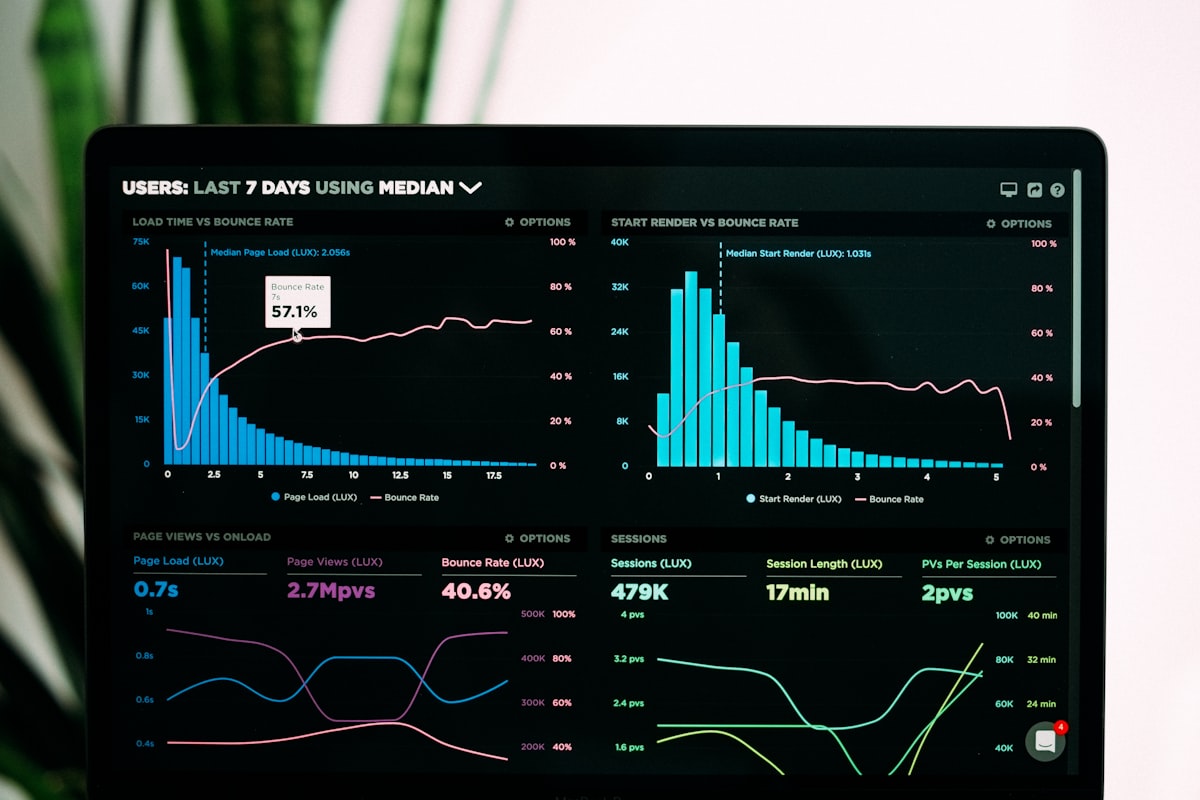
Scanny AI transforms the three-way matching process from a manual nightmare into an automated workflow:
Step 1: Automatic Document Capture Invoices arrive via email, cloud storage, or direct upload. Scanny's OCR engine extracts every data point—vendor name, invoice number, line items, quantities, unit prices, totals, and payment terms.
Step 2: Intelligent Data Extraction Unlike basic OCR that just reads text, Scanny understands document structure. It knows the difference between a subtotal and a tax line. It recognizes that "Qty" and "Quantity" mean the same thing.
Step 3: Automated Matching The extracted invoice data is automatically compared against your purchase orders and receiving records. Matches are approved for payment. Discrepancies are flagged for review.
Step 4: Exception Handling When mismatches occur, Scanny routes them to the appropriate team member with full context—showing exactly what doesn't match and why.
Technical Implementation: Building Your Dispute Prevention System
Let's get practical. Here's how you'd structure your document automation workflow to prevent vendor disputes.
Invoice Extraction Schema
When processing vendor invoices, you need a comprehensive schema that captures every field relevant to matching:
{
  "fields": [
    {
      "name": "vendor_name",
      "type": "string",
      "description": "Legal name of the vendor"
    },
    {
      "name": "vendor_id",
      "type": "string",
      "description": "Internal vendor identifier or tax ID"
    },
    {
      "name": "invoice_number",
      "type": "string",
      "description": "Unique invoice identifier"
    },
    {
      "name": "invoice_date",
      "type": "date",
      "description": "Date invoice was issued"
    },
    {
      "name": "due_date",
      "type": "date",
      "description": "Payment due date"
    },
    {
      "name": "po_number",
      "type": "string",
      "description": "Referenced purchase order number"
    },
    {
      "name": "line_items",
      "type": "array",
      "description": "Individual items billed",
      "items": {
        "sku": "string",
        "description": "string",
        "quantity": "number",
        "unit_price": "number",
        "line_total": "number"
      }
    },
    {
      "name": "subtotal",
      "type": "number",
      "description": "Sum of line items before tax"
    },
    {
      "name": "tax_amount",
      "type": "number",
      "description": "Total tax applied"
    },
    {
      "name": "shipping_charges",
      "type": "number",
      "description": "Freight and delivery fees"
    },
    {
      "name": "total_amount",
      "type": "number",
      "description": "Final invoice total"
    },
    {
      "name": "payment_terms",
      "type": "string",
      "description": "Net 30, 2/10 Net 30, etc."
    },
    {
      "name": "currency",
      "type": "string",
      "description": "Invoice currency code"
    }
  ]
}
Purchase Order Schema
Your PO extraction needs to capture the authorized terms for comparison:
{
  "fields": [
    {
      "name": "po_number",
      "type": "string",
      "description": "Unique purchase order identifier"
    },
    {
      "name": "vendor_name",
      "type": "string",
      "description": "Supplier being ordered from"
    },
    {
      "name": "order_date",
      "type": "date",
      "description": "Date PO was created"
    },
    {
      "name": "requested_delivery_date",
      "type": "date",
      "description": "Expected delivery date"
    },
    {
      "name": "ship_to_address",
      "type": "string",
      "description": "Delivery destination"
    },
    {
      "name": "line_items",
      "type": "array",
      "description": "Authorized items and quantities",
      "items": {
        "sku": "string",
        "description": "string",
        "quantity_ordered": "number",
        "agreed_unit_price": "number",
        "line_total": "number"
      }
    },
    {
      "name": "approved_total",
      "type": "number",
      "description": "Maximum authorized spend"
    },
    {
      "name": "approver_name",
      "type": "string",
      "description": "Person who authorized the PO"
    },
    {
      "name": "special_terms",
      "type": "string",
      "description": "Negotiated conditions"
    }
  ]
}
The Matching Logic
With both documents extracted, your workflow can automatically identify discrepancies:
| Check | Invoice Field | PO Field | Tolerance | Action if Mismatch |
|---|---|---|---|---|
| Vendor Match | vendor_name | vendor_name | Exact | Flag for review |
| PO Reference | po_number | po_number | Exact | Route to AP team |
| Line Item Qty | quantity | quantity_ordered | ±5% | Flag with variance |
| Unit Price | unit_price | agreed_unit_price | ±1% | Flag with variance |
| Total Amount | total_amount | approved_total | ±$50 | Flag if exceeded |
Real-World Prevention Scenarios
Scenario 1: The Quantity Discrepancy
Before Automation: A vendor ships 980 units but invoices for 1,000. The invoice gets approved because the AP clerk is processing 200 invoices that day. Three months later, during a vendor audit, the overpayment is discovered. Now you're negotiating credits, damaging the relationship, and spending hours on reconciliation.
With Scanny AI: The system extracts quantity from the invoice (1,000), compares it to the goods receipt (980), and immediately flags the 20-unit discrepancy. The invoice is routed to the procurement team, who contacts the vendor same-day. Issue resolved in minutes, not months.
Scenario 2: The Price Escalation
Before Automation: Your contract specifies $45.00 per unit. The vendor quietly increases prices to $47.50 across several invoices. Without line-by-line comparison against contract terms, the increases slip through. You've overpaid thousands before anyone notices.
With Scanny AI: Contract prices are stored in your document type schema. Every incoming invoice is compared against contracted rates. The $2.50 variance triggers an alert. You either hold payment pending clarification or negotiate the increase formally.
Scenario 3: The Duplicate Invoice
Before Automation: The same invoice arrives via email attachment and mail. Different team members process each copy. The vendor gets paid twice. Recovering the overpayment takes weeks and embarrasses your finance team.
With Scanny AI: Invoice numbers are tracked automatically. When the duplicate is detected, the system blocks processing and notifies the team. No double payment. No recovery needed.
Integration: Making It Work With Your Stack
Scanny AI connects to your existing systems to create a seamless dispute-prevention workflow:
Input Sources:
- Email inboxes (automatic attachment extraction)
- Cloud storage (Google Drive, OneDrive, Dropbox)
- Direct API upload from vendor portals
Output Destinations:
- ERP systems (SAP, Oracle, NetSuite, Microsoft Dynamics)
- Accounting software (QuickBooks, Xero, Sage)
- Custom databases via webhook
- Notification systems (Slack, Teams, email)
Sample Workflow Configuration
Trigger: New invoice received in AP inbox
↓
Action: Extract data using Invoice Schema
↓
Condition: PO number present?
├─ Yes → Match against PO database
│        ├─ Match found, within tolerance → Approve for payment
│        └─ Variance detected → Route to procurement for review
└─ No → Flag as unauthorized, route to department head
The Business Case for Automation
Let's quantify the ROI of preventing vendor disputes:
Direct Cost Savings
- Dispute resolution labor: $50/invoice × 500 disputed invoices/year = $25,000
- Processing efficiency: (15 min - 0.5 min) × 60,000 invoices × $25/hour = $362,500
- Early payment discounts captured: 2% × $5M annual spend × 55% additional capture = $55,000
Indirect Benefits
- Vendor relationship preservation: Better terms, priority fulfillment, flexibility during supply constraints
- Audit readiness: Complete documentation trail for every transaction
- Cash flow visibility: Accurate forecasting from reliable invoice processing
- Team morale: AP staff focused on exceptions, not data entry
Reality Check: Companies implementing automated invoice processing report 80% reduction in processing costs and 90% decrease in payment disputes. The question isn't whether you can afford automation—it's whether you can afford to keep doing things manually.
Getting Started: Your 30-Day Implementation Plan
Ready to eliminate vendor disputes? Here's your roadmap:
Week 1: Document Assessment
- Audit your current invoice and PO volume
- Identify top dispute categories
- Map your existing document flows
Week 2: Schema Configuration
- Create document type schemas for invoices, POs, and receiving documents
- Define matching tolerances appropriate for your business
- Set up exception routing rules
Week 3: Integration Setup
- Connect email and cloud storage sources
- Configure ERP/accounting system exports
- Test data flows with sample documents
Week 4: Go Live and Optimize
- Process real invoices through the system
- Fine-tune matching rules based on results
- Train team on exception handling
Conclusion: Prevention Over Resolution
Every vendor dispute you're managing right now started with a document mismatch that nobody caught in time. The phone calls, the credit requests, the damaged relationships—all preventable.
Automated document processing doesn't just make your AP team more efficient. It fundamentally transforms vendor relationships from adversarial dispute resolution to collaborative partnership.
The math is simple:
- Manual processing = Disputes happen, then you fix them
- Automated processing = Discrepancies are caught before they become disputes
That vendor dispute you're dealing with today? It's the cost of doing things the old way.
The disputes you'll never have to deal with? That's the power of document automation.
Ready to prevent your next vendor dispute before it happens? Start your free trial and see how Scanny AI transforms invoice processing from a dispute-prone manual task into a streamlined, error-free workflow.
Have questions about implementing document automation for your accounts payable process? Log in to explore your dashboard or visit Scanny AI to learn more about our intelligent document processing platform.