How One Dental Office Eliminated Their Filing Cabinet
See how a 3-dentist practice went completely paperless, eliminated 8 filing cabinets, and saved 15+ hours weekly with AI document automation.
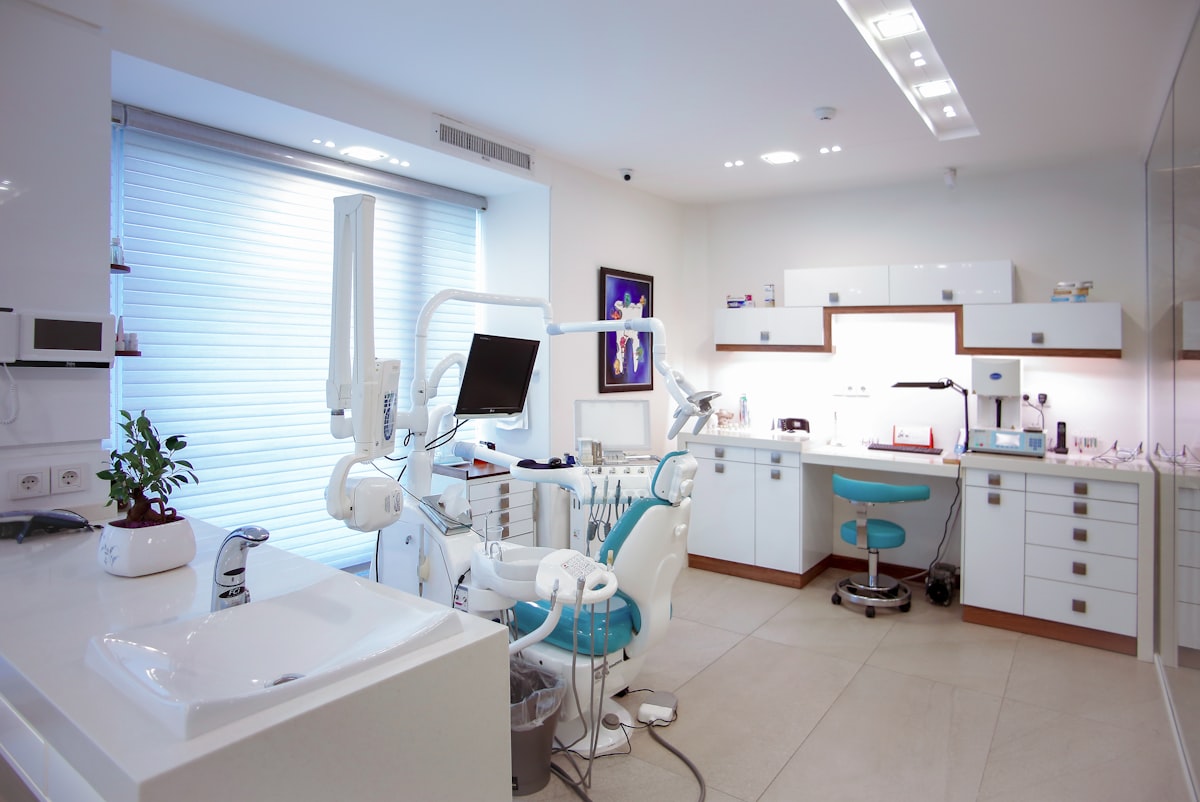
Dr. Sarah Chen had a problem that every dental practice owner knows too well: eight filing cabinets stuffed with patient records, insurance forms, treatment plans, and consent documents. When a patient called asking about their February appointment, her front desk staff would spend 10 minutes hunting through alphabetized folders, only to discover the file was misfiled under a maiden name.
The tipping point came when a water leak damaged an entire cabinet's worth of records. Years of patient histories, signed consent forms, and insurance authorizations—gone in an afternoon.
"That's when I knew something had to change," Dr. Chen recalls. "We weren't just wasting time. We were one disaster away from losing everything."

Within 90 days, Dr. Chen's practice had eliminated all eight filing cabinets, cut patient check-in time by 75%, and freed her staff to actually focus on patient care. Here's exactly how they did it—and how you can replicate their results.
The Real Cost of Paper in Dental Practices
Before diving into the solution, let's quantify the problem. Most dental offices drastically underestimate how much their paper-based systems actually cost:
| Metric | The Manual Way | The Scanny AI Way | Improvement |
|---|---|---|---|
| Patient File Retrieval | 5-10 minutes per patient | Instant search (<5 seconds) | 98% faster |
| New Patient Intake | 25-30 minutes paperwork | 8-10 minutes digital | 67% reduction |
| Insurance Verification | Manual lookup, 15+ minutes | Automated, 30 seconds | 97% time saved |
| Misfiled Records | 3-5% of files misfiled | 0% with digital indexing | 100% accuracy |
| Physical Storage Cost | $200-400/month (space + cabinets) | $0 physical storage | Eliminated |
| Staff Hours on Filing | 15-20 hours/week | <1 hour/week (verification only) | 95% reduction |
| Disaster Recovery | Irreplaceable if lost | Encrypted cloud backup | Full protection |
For a practice like Dr. Chen's seeing 40 patients daily, that's 2-3 hours per day spent on file management alone. At $25/hour for administrative staff, that's over $15,000 annually in pure filing costs—not counting the physical storage space, filing supplies, or the intangible cost of patient frustration.
The Breaking Point: What Finally Pushed Them to Change
Dr. Chen's practice, Bright Smile Dental, is a 3-dentist office in suburban Atlanta seeing approximately 160 patients per week. Their paper-based workflow had evolved organically over 15 years:
The "Before" Reality:
- 8 filing cabinets consuming 80 square feet of office space
- New patient packets that took 25 minutes to complete by hand
- Insurance cards photocopied and paper-clipped to files
- Treatment plans printed, signed, scanned, printed again
- Consent forms stored in separate binders (a compliance nightmare)
- Referral letters lost in interdepartmental mail
The water damage destroyed records for approximately 400 patients. Reconstructing that information—contacting patients, requesting records from other providers, regenerating treatment histories—took three staff members nearly six weeks.
"We calculated it cost us over $25,000 in staff time alone," says practice manager Maria Santos. "That doesn't include the patients we lost because they thought we were disorganized."
The wake-up call: Paper isn't just inefficient—it's a liability. One flood, fire, or theft can destroy years of irreplaceable patient data.
The Solution: AI-Powered Document Automation
Dr. Chen evaluated several solutions: traditional dental practice management software, generic document scanning services, and AI-powered document automation platforms. The key differentiator? Intelligent extraction.
Standard scanning creates digital images of paper—you still can't search the content. Traditional OCR (Optical Character Recognition) extracts text but requires extensive manual cleanup and doesn't understand document structure.
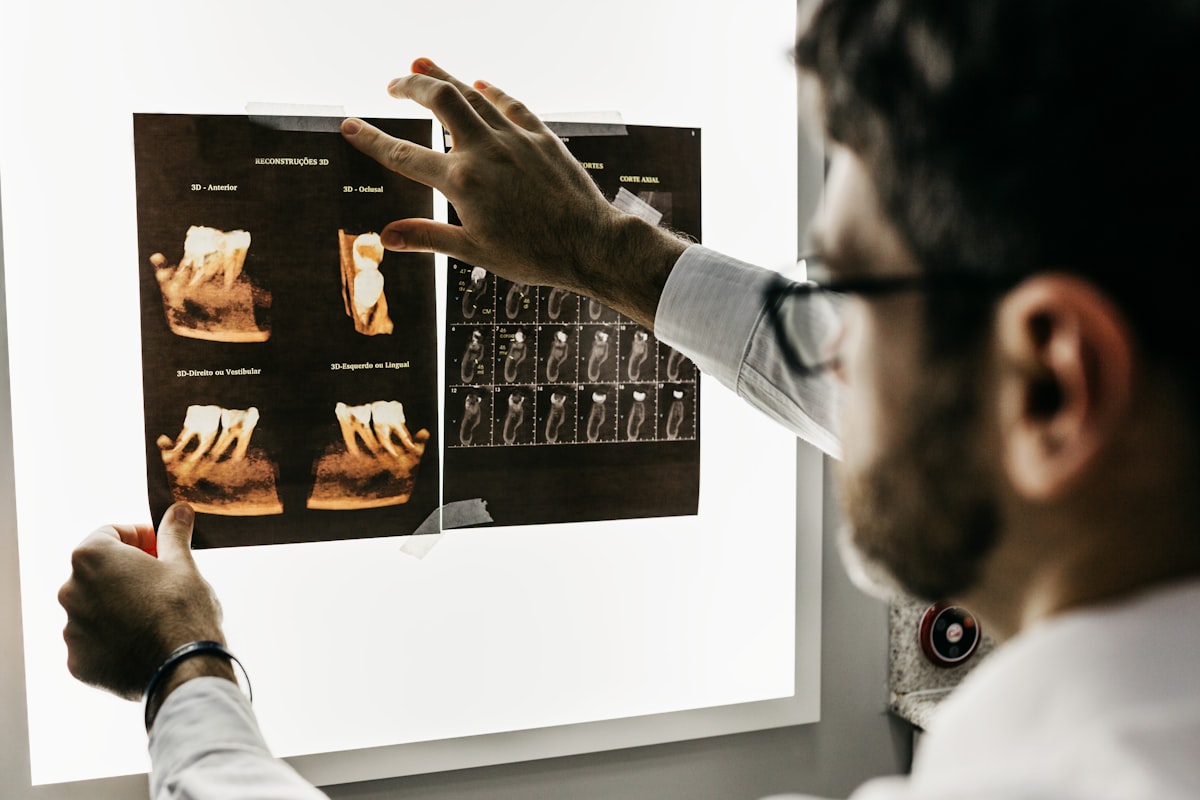
AI-powered document automation does something fundamentally different: it understands documents. It knows that "DOB" on an insurance card means date of birth, that "Prophy" on a treatment plan means prophylaxis, and that a signature on a consent form needs to be timestamped and linked to the correct patient record.
How the Workflow Actually Works
Here's the technical implementation that Bright Smile Dental deployed:
Step 1: Document Capture
All incoming documents are digitized at point of entry:
- Patient intake forms: Patients complete on tablets in the waiting room
- Insurance cards: Scanned at check-in (front and back)
- Referral letters: Received via secure fax-to-digital or email
- X-rays and imaging: Already digital from modern equipment
- Signed consents: Captured on signature pads or scanned after signing
Step 2: AI Extraction
Documents are automatically processed using custom JSON schemas. Here's the schema Bright Smile uses for dental patient intake:
{
  "documentType": "dental_patient_intake",
  "fields": [
    {
      "name": "patient_first_name",
      "type": "string",
      "description": "Patient legal first name"
    },
    {
      "name": "patient_last_name",
      "type": "string",
      "description": "Patient legal last name"
    },
    {
      "name": "date_of_birth",
      "type": "date",
      "format": "MM/DD/YYYY"
    },
    {
      "name": "primary_phone",
      "type": "phone"
    },
    {
      "name": "email",
      "type": "email"
    },
    {
      "name": "emergency_contact",
      "type": "object",
      "properties": {
        "name": {"type": "string"},
        "relationship": {"type": "string"},
        "phone": {"type": "phone"}
      }
    },
    {
      "name": "dental_insurance",
      "type": "object",
      "properties": {
        "carrier": {"type": "string"},
        "policy_number": {"type": "string"},
        "group_number": {"type": "string"},
        "subscriber_name": {"type": "string"},
        "subscriber_dob": {"type": "date"}
      }
    },
    {
      "name": "medical_history",
      "type": "object",
      "properties": {
        "current_medications": {
          "type": "array",
          "items": {"type": "string"}
        },
        "allergies": {
          "type": "array",
          "items": {"type": "string"}
        },
        "conditions": {
          "type": "array",
          "items": {"type": "string"}
        },
        "heart_condition": {"type": "boolean"},
        "diabetes": {"type": "boolean"},
        "blood_thinners": {"type": "boolean"},
        "pregnant_or_nursing": {"type": "boolean"}
      }
    },
    {
      "name": "dental_history",
      "type": "object",
      "properties": {
        "last_dental_visit": {"type": "date"},
        "last_xrays": {"type": "date"},
        "previous_dentist": {"type": "string"},
        "chief_complaint": {"type": "string"},
        "grinding_clenching": {"type": "boolean"},
        "gum_bleeding": {"type": "boolean"},
        "tooth_sensitivity": {"type": "boolean"}
      }
    },
    {
      "name": "consent_signatures",
      "type": "object",
      "properties": {
        "hipaa_consent": {"type": "boolean"},
        "treatment_consent": {"type": "boolean"},
        "financial_policy": {"type": "boolean"},
        "signature_date": {"type": "date"}
      }
    }
  ]
}
Step 3: Dental Insurance Card Processing
Insurance verification is critical for dental practices. Here's the schema for extracting dental insurance details:
{
  "documentType": "dental_insurance_card",
  "fields": [
    {
      "name": "insurance_carrier",
      "type": "string",
      "description": "Insurance company name (e.g., Delta Dental, MetLife, Cigna)"
    },
    {
      "name": "plan_type",
      "type": "string",
      "description": "Plan type (PPO, HMO, DHMO, Indemnity)"
    },
    {
      "name": "member_id",
      "type": "string"
    },
    {
      "name": "group_number",
      "type": "string"
    },
    {
      "name": "subscriber_name",
      "type": "string"
    },
    {
      "name": "effective_date",
      "type": "date"
    },
    {
      "name": "coverage_details",
      "type": "object",
      "properties": {
        "preventive_coverage": {"type": "string", "description": "e.g., 100%"},
        "basic_coverage": {"type": "string", "description": "e.g., 80%"},
        "major_coverage": {"type": "string", "description": "e.g., 50%"},
        "annual_maximum": {"type": "currency"},
        "deductible_individual": {"type": "currency"},
        "deductible_family": {"type": "currency"},
        "waiting_periods": {"type": "string"}
      }
    },
    {
      "name": "provider_services_phone",
      "type": "phone"
    },
    {
      "name": "claims_address",
      "type": "string"
    },
    {
      "name": "network_status",
      "type": "string",
      "description": "In-network or out-of-network indicator"
    }
  ]
}
Step 4: Automatic Routing
Extracted data flows automatically to the right destination:
- Patient demographics → Practice management system
- Insurance info → Eligibility verification service
- Medical alerts → Flagged for dentist review
- Consent forms → Compliance archive with timestamp
The Implementation Timeline
Bright Smile Dental completed their paperless transformation in 90 days:
Phase 1: Assessment (Weeks 1-2)
The team audited their existing document workflows:
- Cataloged 47 different form types
- Identified the top 10 forms by volume (80% of all paperwork)
- Mapped data flow from intake to treatment to billing
- Documented compliance requirements (HIPAA, state dental board)
Phase 2: Configuration (Weeks 3-4)
Built custom extraction schemas for priority documents:
- Patient intake forms
- Insurance cards (front and back)
- Treatment consent forms
- Financial agreements
- Referral letters
- Periodontal charting forms
Phase 3: Pilot (Weeks 5-8)
Ran parallel workflows—paper and digital—for one month:
- Identified edge cases (handwritten notes, unusual insurance cards)
- Refined extraction accuracy
- Trained staff on new workflows
- Built confidence before full cutover
Phase 4: Full Deployment (Weeks 9-12)
Completed the transition:
- Digitized 8 years of existing patient records (outsourced bulk scanning)
- Decommissioned filing cabinets
- Implemented digital-first intake for all new patients
- Established exception handling procedures
The Results: One Year Later
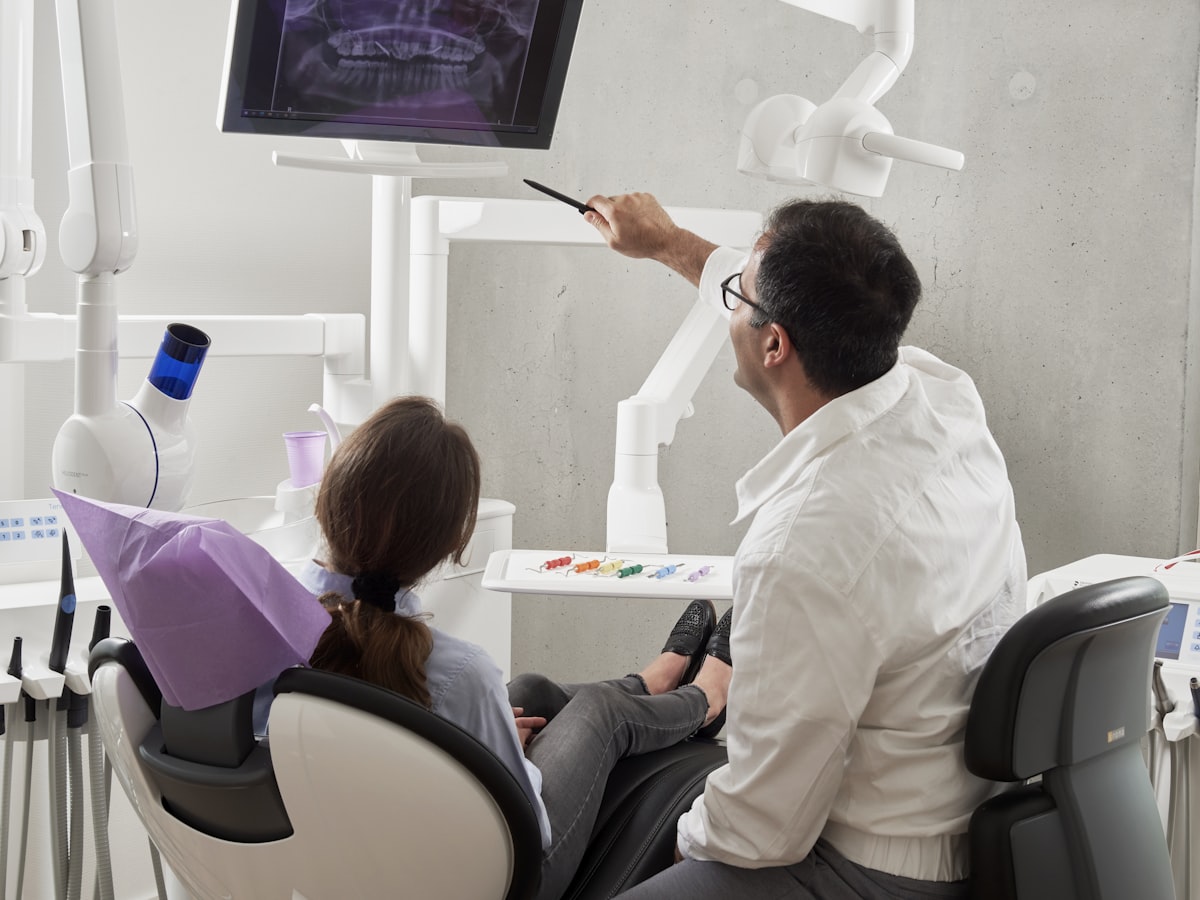
Twelve months after going paperless, Bright Smile Dental's metrics tell a compelling story:
Time Savings
| Task | Before | After | Savings |
|---|---|---|---|
| New patient intake | 28 minutes | 9 minutes | 19 minutes per patient |
| File retrieval | 7 minutes | <10 seconds | 99% reduction |
| Insurance verification | 18 minutes | 45 seconds | 97% reduction |
| End-of-day filing | 45 minutes | 0 minutes | Eliminated |
| Weekly filing time | 16 hours | 1 hour | 15 hours saved |
Total weekly time saved: 20+ hours
Financial Impact
- Storage space recovered: 80 sq ft × $30/sq ft/month = $2,400/year
- Filing supplies eliminated: $1,800/year
- Staff time redirected: 20 hours/week × $25/hour × 52 weeks = $26,000/year
- Reduced claim denials (from data errors): $8,400/year
- Avoided record reconstruction (no more disasters): Priceless
Total quantifiable annual savings: $38,600
Patient Experience Improvements
- Check-in time reduced from 15 minutes to 5 minutes
- Wait time decreased (staff isn't hunting for files)
- Recall system automated (no more missed follow-ups)
- Patient portal launched (patients access their own records)
Staff Satisfaction
"I used to dread Mondays because of the weekend's accumulated filing," says front desk coordinator Jessica Martinez. "Now I actually have time to talk to patients instead of shuffling papers."
The practice redirected administrative staff time to higher-value activities:
- Proactive appointment confirmations (reduced no-shows by 35%)
- Insurance pre-authorization (improved approval rates)
- Patient education and care coordination
- Treatment plan follow-ups
Common Concerns (and How They Were Addressed)
"What about patients who prefer paper?"
Reality: Bright Smile still offers paper forms for the 5-10% of patients who request them. Those forms are scanned at check-in and processed identically to digital submissions. The key difference: the paper doesn't need to be filed afterward.
"What about HIPAA compliance?"
Reality: Digital systems are actually MORE compliant than paper when properly implemented:
- Access controls: Every document access is logged with user ID and timestamp
- Encryption: Data encrypted at rest and in transit
- Audit trails: Complete history of who viewed what, when
- Backup/recovery: Redundant cloud storage vs. irreplaceable paper
Paper files have no access log. Anyone walking by can peek into an open folder. There's no audit trail for who accessed what.
"What if the internet goes down?"
Reality: Cloud-based systems cache critical patient data locally. Bright Smile can still access today's schedule, recent patient records, and insurance information during outages. New document processing queues until connectivity returns.
"What about existing paper records?"
Reality: Bright Smile outsourced bulk scanning of historical records. Cost: approximately $0.08 per page. Their 8 cabinets contained roughly 150,000 pages = $12,000 one-time cost. Compared to the annual $38,600 savings, payback period was under 4 months.
Technical Deep Dive: Treatment Plan Automation
One workflow that dramatically improved is treatment plan processing. Here's how it works:
The Old Way:
- Dentist completes exam, writes treatment recommendations by hand
- Treatment coordinator types plan into practice management software
- Plan printed for patient review
- Patient signs paper copy
- Paper filed in patient chart
- Insurance coordinator manually looks up coverage
- Coverage estimate handwritten on plan
- Copy made for patient, original filed
Time required: 25-30 minutes per treatment plan
The Automated Way:
- Dentist inputs findings on tablet during exam
- System auto-generates treatment plan from diagnosis codes
- Insurance coverage auto-verified in background
- Patient reviews and e-signs on tablet
- Signed plan auto-filed to patient record
- Copy emailed to patient automatically
- Insurance pre-authorization triggered if required
Time required: 5-7 minutes per treatment plan
The treatment plan extraction schema:
{
  "documentType": "dental_treatment_plan",
  "fields": [
    {
      "name": "patient_id",
      "type": "string"
    },
    {
      "name": "exam_date",
      "type": "date"
    },
    {
      "name": "treating_dentist",
      "type": "string"
    },
    {
      "name": "procedures",
      "type": "array",
      "items": {
        "type": "object",
        "properties": {
          "ada_code": {"type": "string", "description": "CDT procedure code"},
          "tooth_number": {"type": "string"},
          "surface": {"type": "string"},
          "description": {"type": "string"},
          "fee": {"type": "currency"},
          "insurance_estimate": {"type": "currency"},
          "patient_estimate": {"type": "currency"},
          "priority": {"type": "string", "enum": ["urgent", "soon", "elective"]}
        }
      }
    },
    {
      "name": "total_fee",
      "type": "currency"
    },
    {
      "name": "insurance_coverage_estimate",
      "type": "currency"
    },
    {
      "name": "patient_responsibility_estimate",
      "type": "currency"
    },
    {
      "name": "payment_plan_requested",
      "type": "boolean"
    },
    {
      "name": "patient_signature",
      "type": "boolean"
    },
    {
      "name": "signature_date",
      "type": "date"
    }
  ]
}
Key Lessons Learned
Dr. Chen and her team shared the insights that made their transition successful:
1. Start with High-Volume, Low-Complexity Documents
Insurance cards and basic intake forms have standardized formats and predictable fields. Master these before tackling complex documents like treatment notes or specialist referrals.
2. Run Parallel Systems During Transition
Don't flip a switch and go fully digital overnight. Running paper and digital workflows simultaneously for 4-6 weeks builds staff confidence and catches edge cases before they become crises.
3. Digitize Historical Records Strategically
Not all old records need immediate digitization. Bright Smile prioritized:
- Active patients (seen in past 18 months)
- Patients with upcoming appointments
- Complex cases with extensive treatment history
Inactive patient records were digitized on-demand when patients returned.
4. Train for Exceptions, Not Just Normal Workflows
Most documents process automatically. Staff training should focus on handling the 5% that don't: damaged documents, unusual formats, low-confidence extractions requiring verification.
5. Measure Everything
You can't improve what you don't measure. Bright Smile tracked processing times, error rates, and staff feedback weekly during implementation and monthly afterward.
Key Takeaway: Document automation isn't just about technology—it's about thoughtful change management. The practices that succeed take time to plan, pilot, and refine before going all-in.
Your Turn: Getting Started
If Dr. Chen's story resonates with you, here's how to begin your own paperless journey:
Step 1: Audit Your Current State
- How many filing cabinets do you have?
- How many hours per week does your team spend filing?
- What's your average file retrieval time?
- How often are records misfiled or lost?
Step 2: Identify Your Pain Points
- Which documents cause the most frustration?
- Where are the bottlenecks in patient flow?
- What compliance concerns keep you up at night?
Step 3: Start Small
Pick ONE document type—insurance cards are ideal—and automate just that workflow. Prove the concept, measure the results, then expand.
Step 4: Build Your Business Case
Calculate your potential savings using the metrics from this case study. Most dental practices see 300-500% ROI within the first year.
Ready to Eliminate Your Filing Cabinets?
Dr. Chen's practice went from 8 filing cabinets and 20 hours of weekly filing to a completely paperless operation in 90 days. They're saving $38,600 annually, their staff is happier, and their patients experience faster, smoother visits.
The question isn't whether your practice can afford to go paperless. It's whether you can afford not to.
Ready to automate your dental practice documents? Start your free trial and see how quickly you can transform your paper-heavy workflows into streamlined digital processes.
Already have an account? Log in to configure your first dental document workflow today.
About Scanny AI: Scanny AI is an intelligent document automation platform that helps dental practices, medical offices, and businesses of all sizes eliminate manual data entry. Our AI-powered OCR extracts structured data from any document type and integrates seamlessly with your existing practice management software. Learn more at Scanny AI.